Daily Chat turns a conversation with AI into a journal entry ✳︎ I designed and implemented the experiences across mobile platforms.
A chat built for humans, talking to an AI
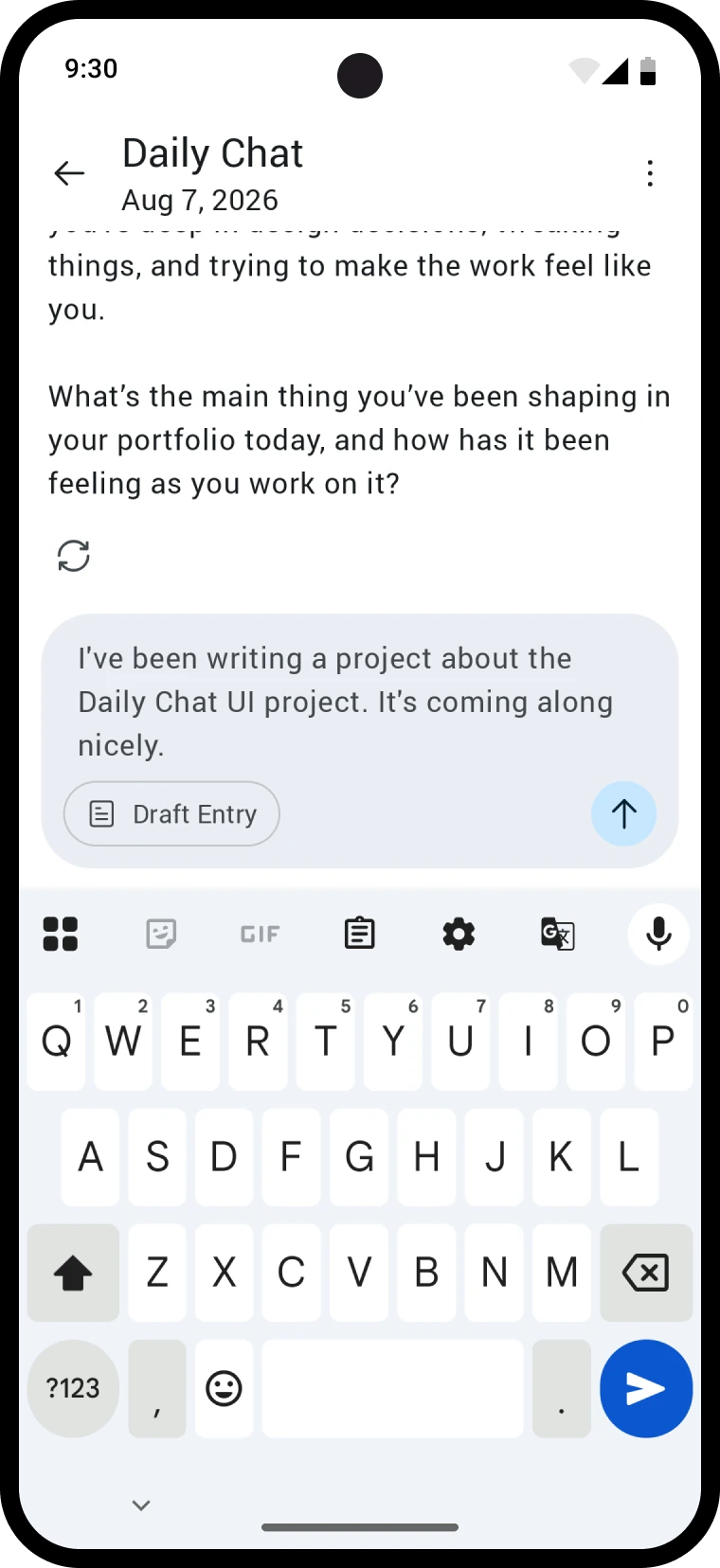
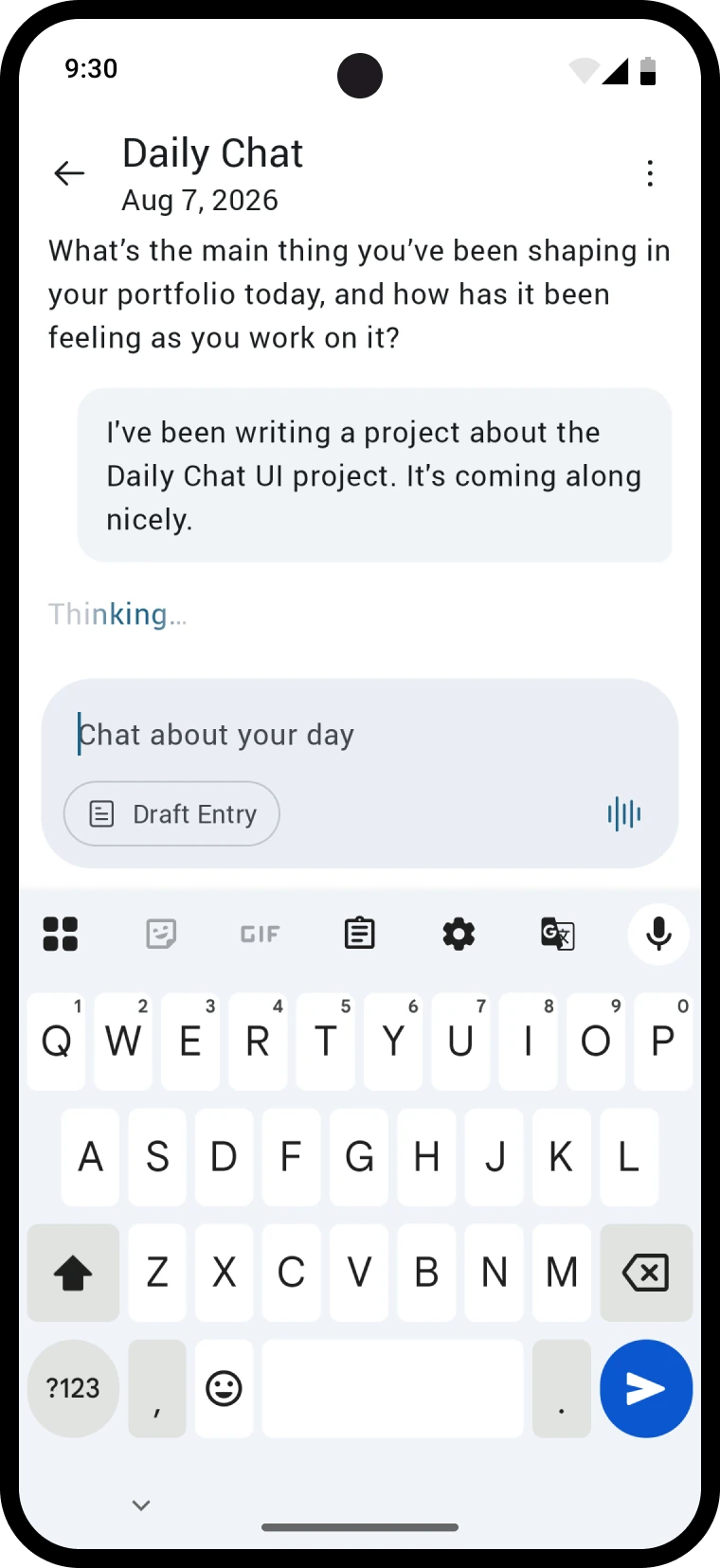
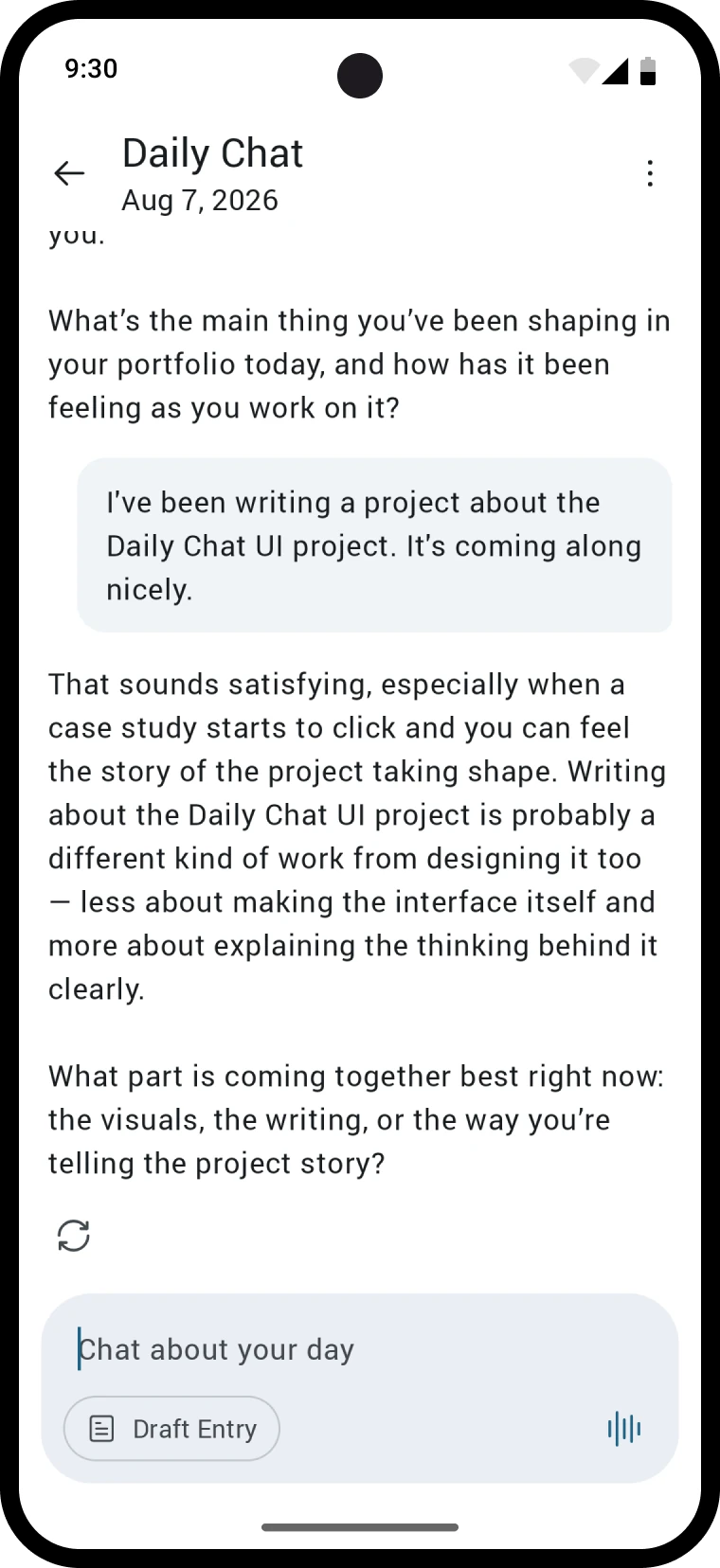
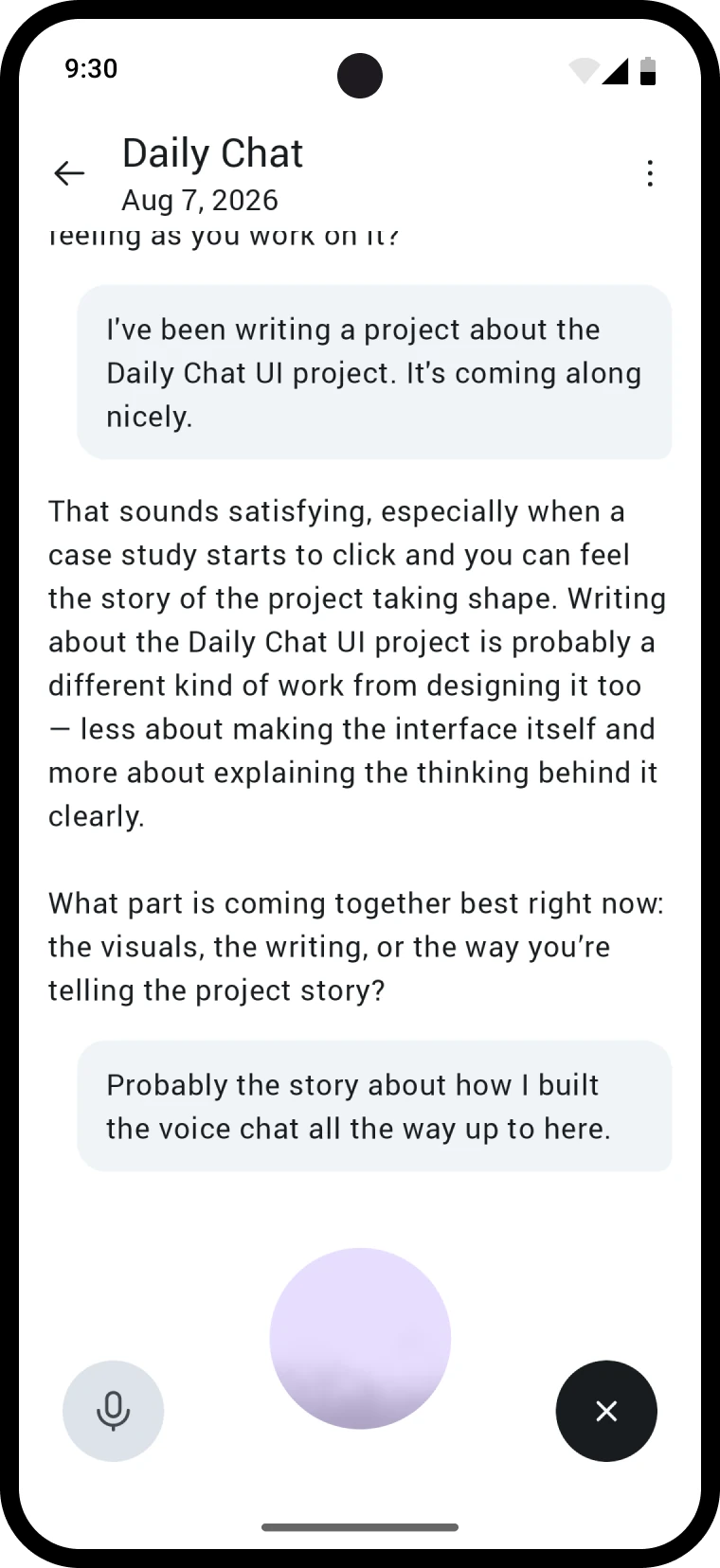
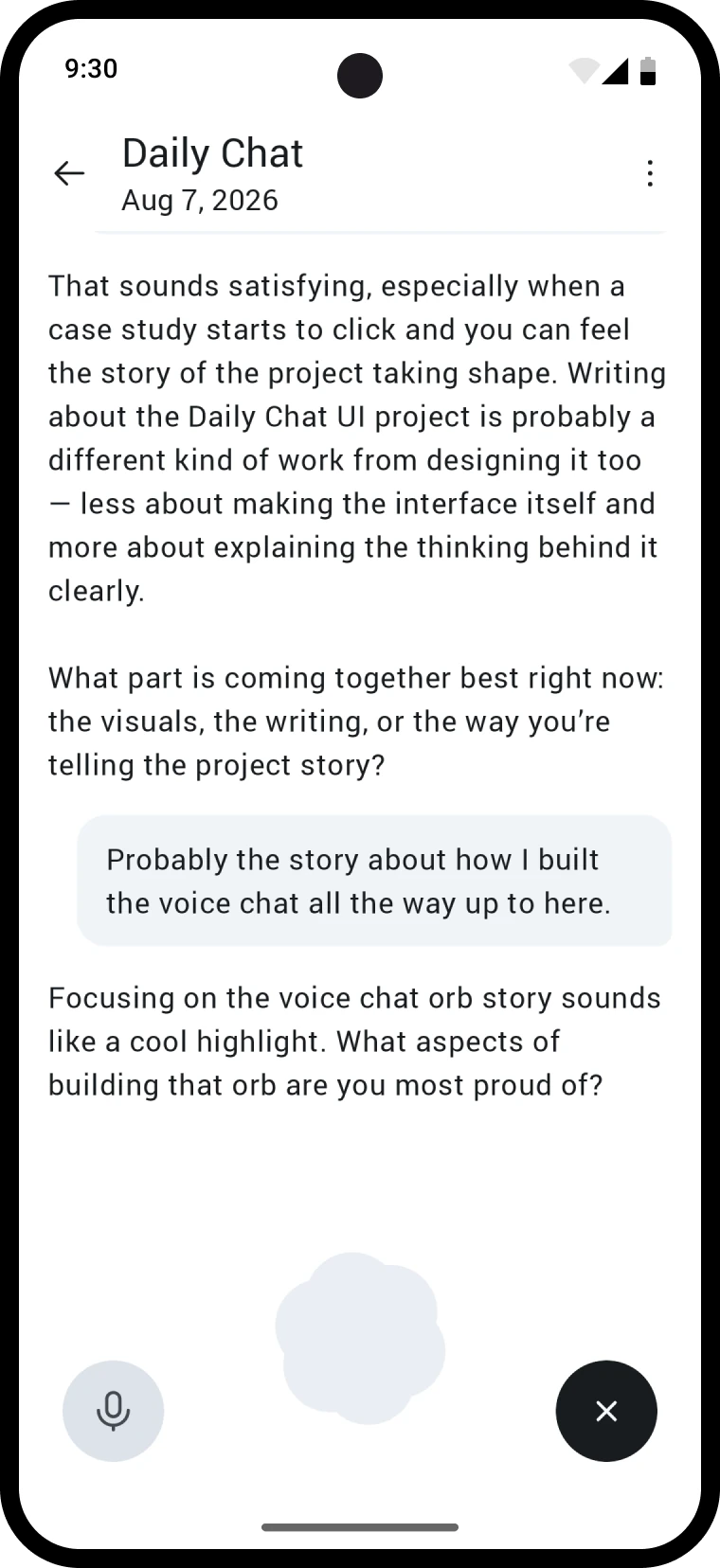
Daily Chat's first implementation was a traditional chat UI, built like a messenger between two people. That framing breaks when one side is an AI. Responses run long, stream in, and carry formatting, and none of that fits in a bubble. I redesigned it around the conventions AI chat has developed for good reasons. Your messages sit in bubbles, the AI's flow unboxed, and actions like Generate Entry moved from tiny text in the navigation bar into an action strip in the chat box itself, in reach mid-conversation.
An orb you can read from the corner of your eye
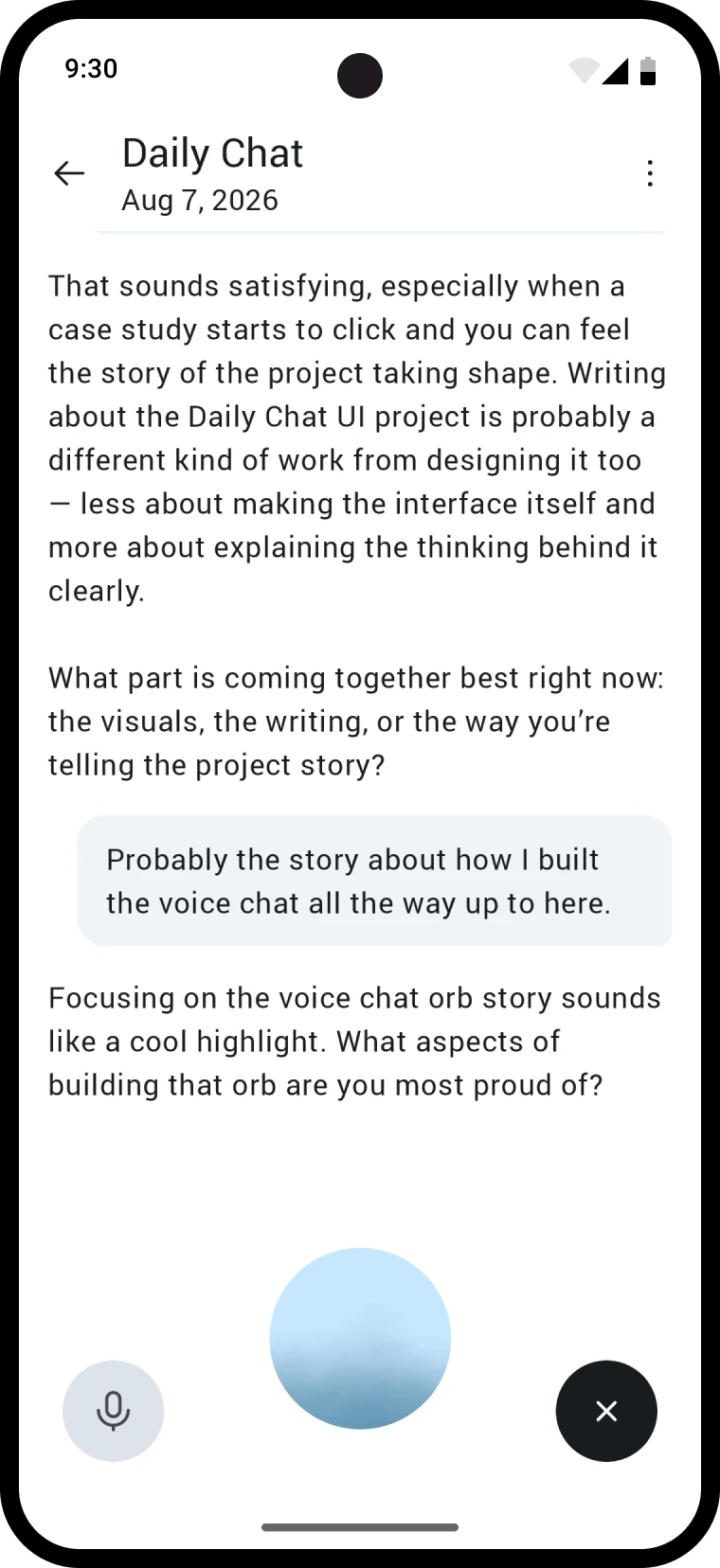
Voice mode used to be a separate full screen, and it never showed the thing users kept asking for, a transcript of the conversation. Moving voice into the chat put the transcript front and center, which created a new problem. You can't read status text telling you when to talk while you're reading a transcript. So state became an orb instead of words. Blue means you're talking, purple means the AI is, and thinking is a spinning flower shape. It reads from your periphery, so your eyes stay on the transcript and you still know exactly whose turn it is.
Code as the canvas
I designed the feature and then built it too, using Claude Code to implement it on both iOS and Android and eventually ship the project. Working directly in code ended up shaping the design itself. The orb was a mid-cycle pivot that was never really designed anywhere, it just felt like the right movement once I started building. For anything involving motion, the real code is often the best canvas for experimentation.