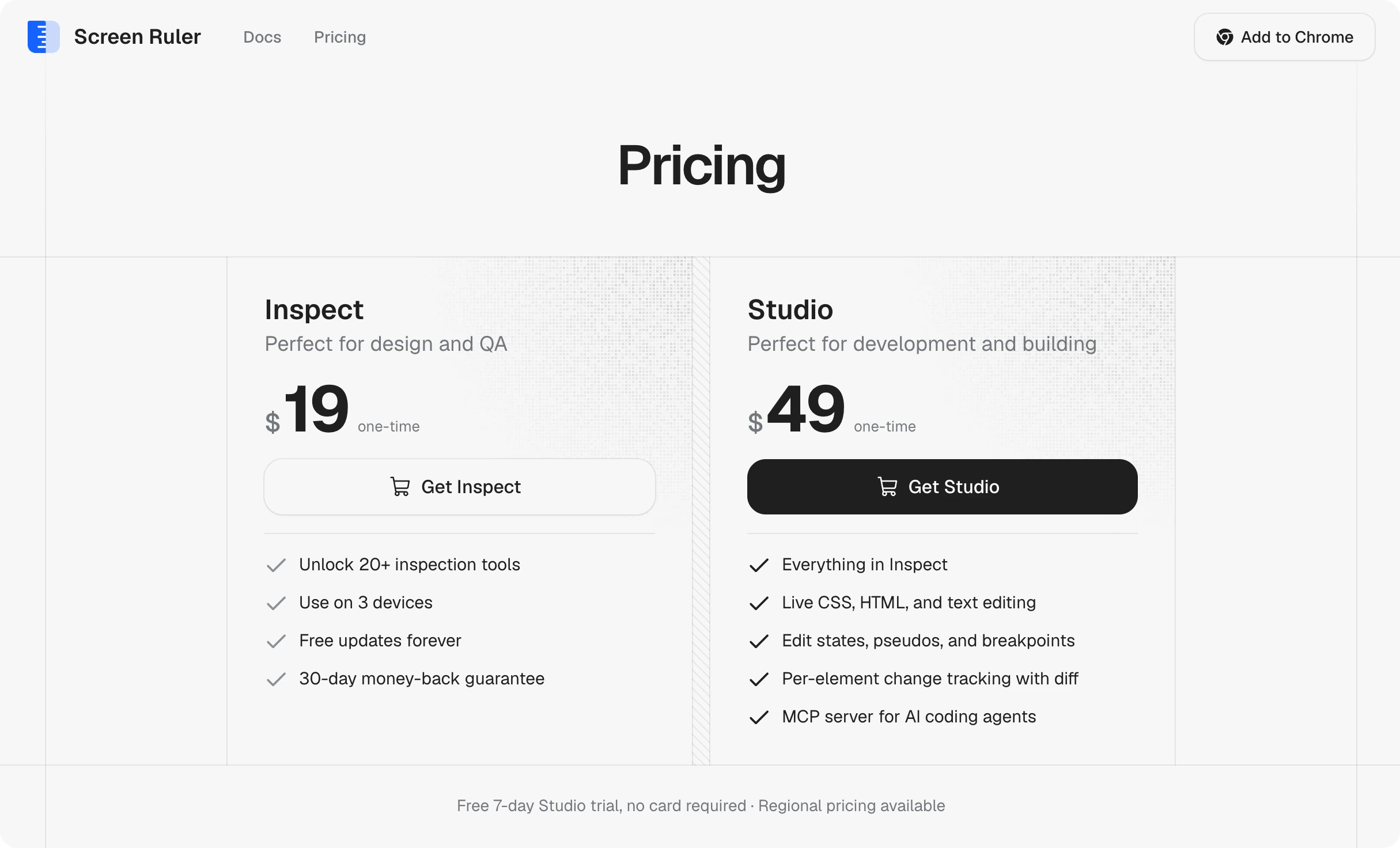
Screen Ruler is a Chrome extension that makes devtools friendlier ✳︎ designed, built, and maintained solo.
DevTools felt like overkill
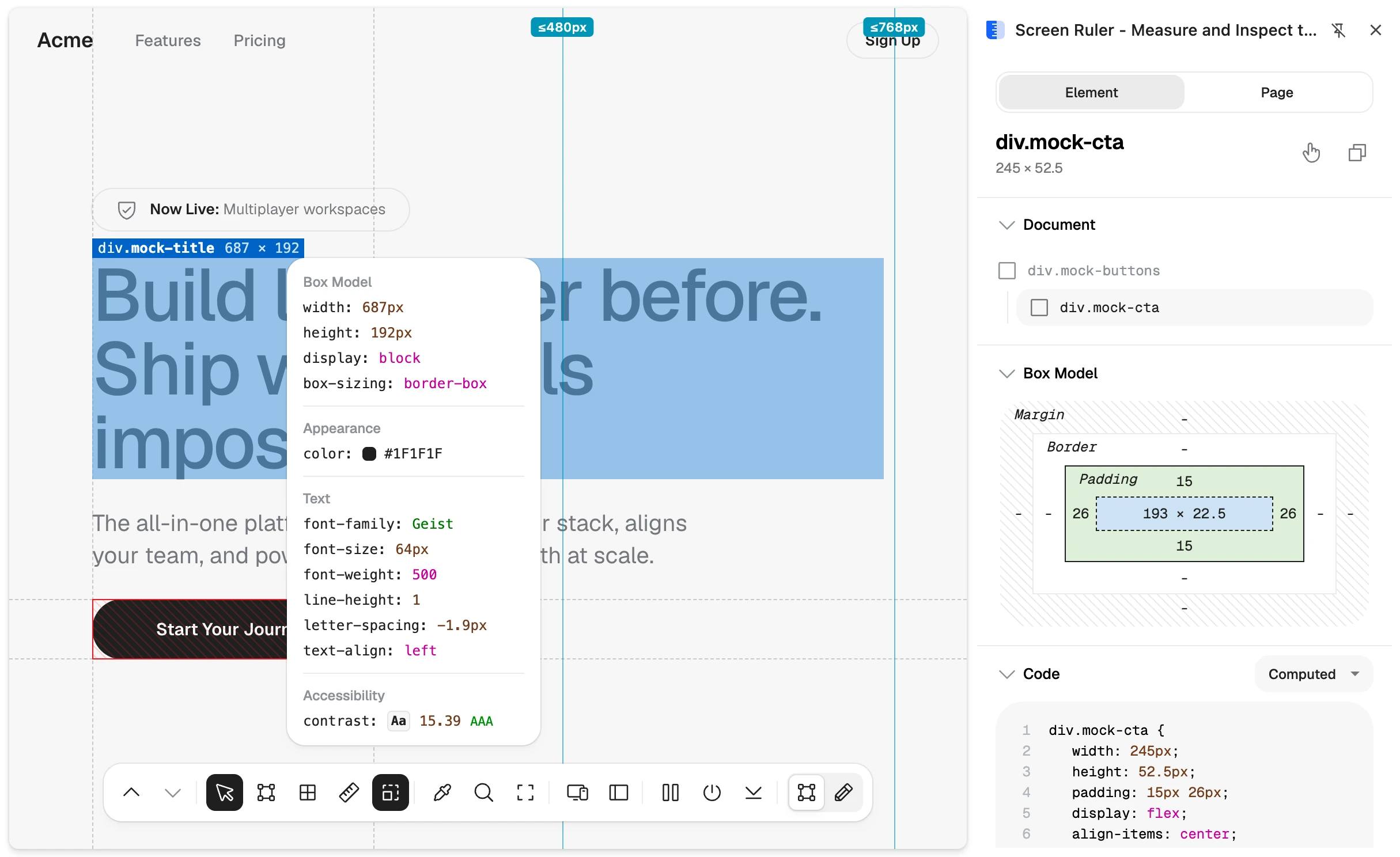
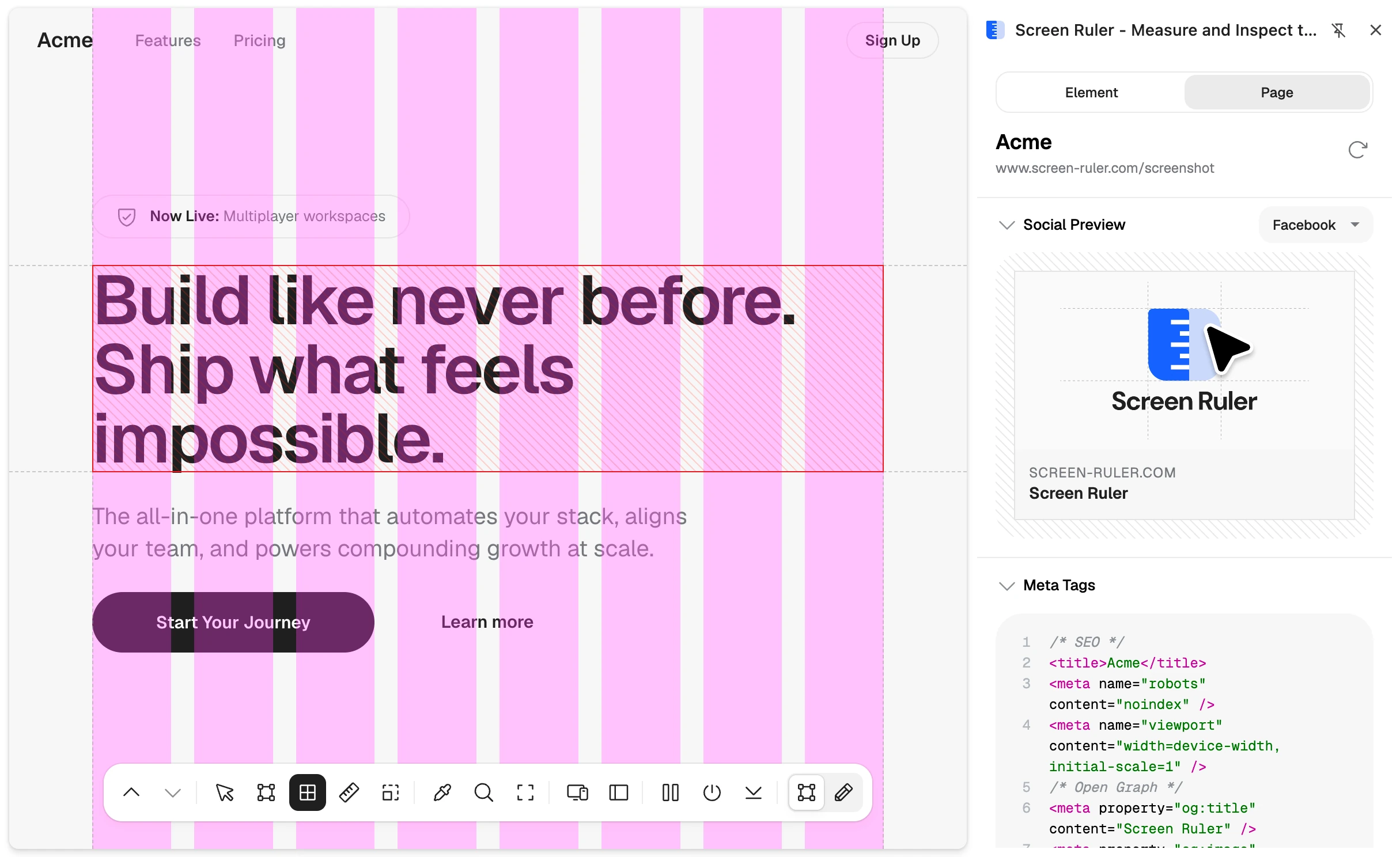
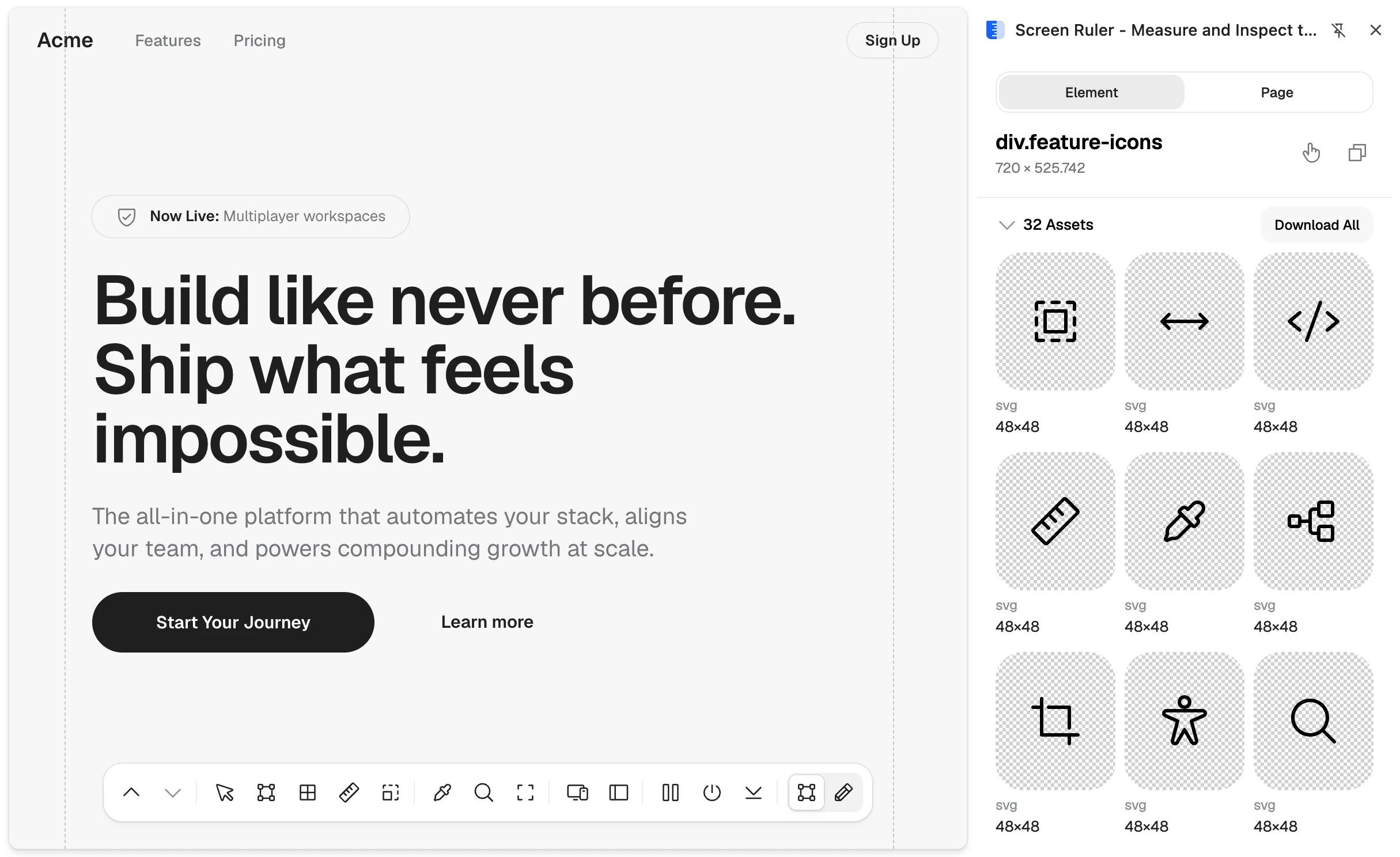
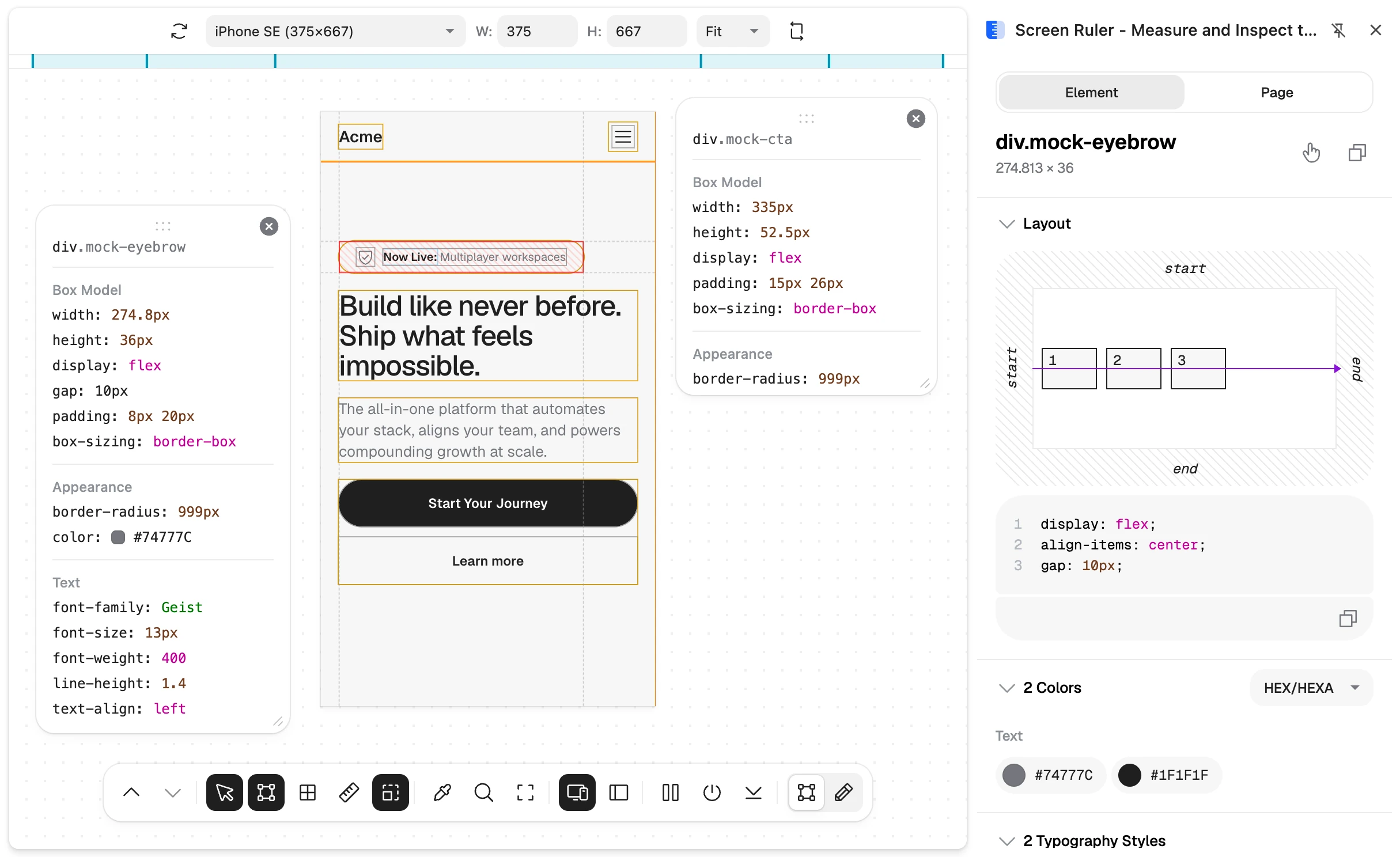
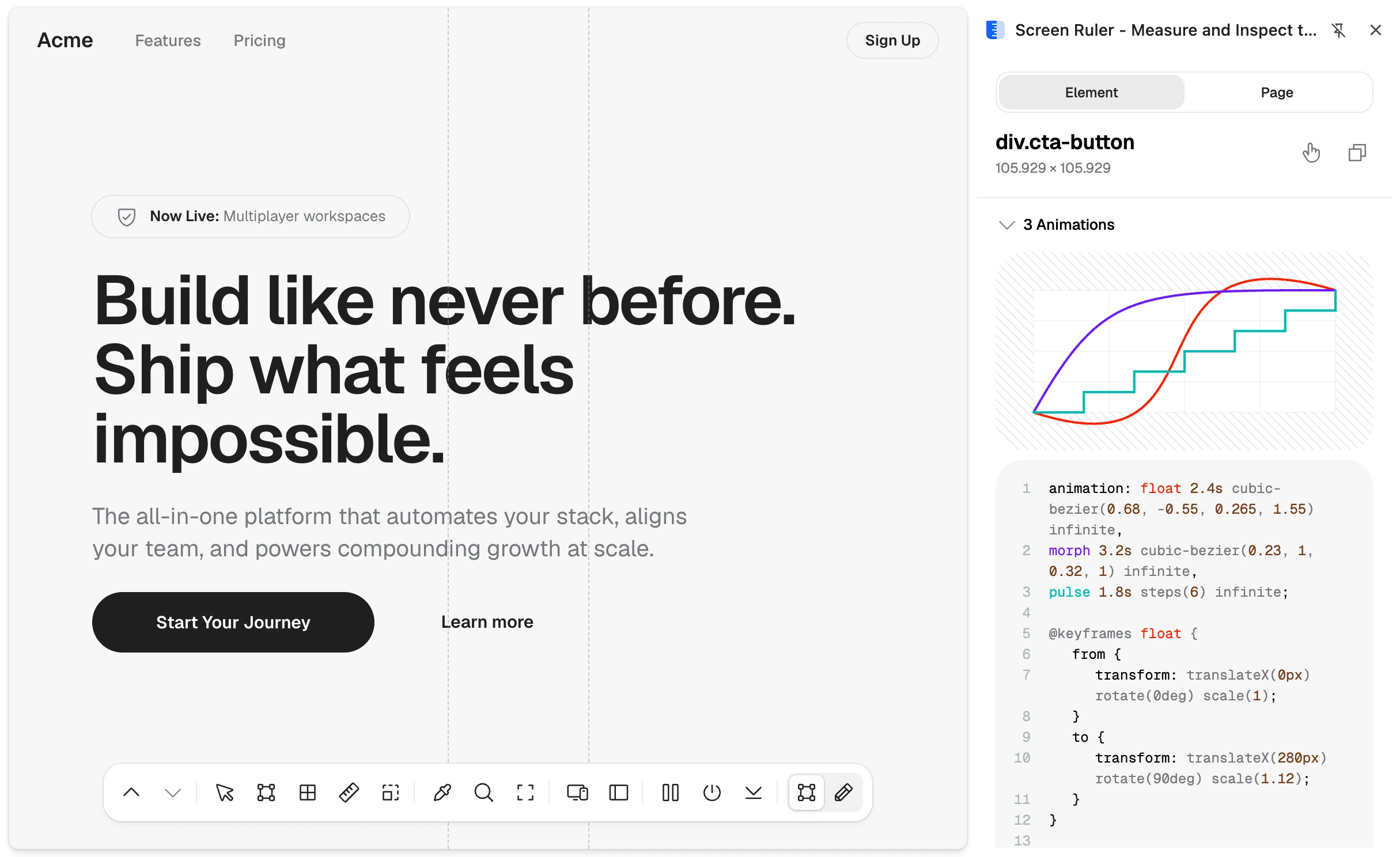
Screen Ruler was the first tool I built for myself. I was amazed by extensions that could draw measurement lines over a live page, the way Zeplin did back when I used it, and I wanted my own. Devtools felt like overkill for basic design validation, so Screen Ruler went visual-first, surfacing only what front-end work actually needs. It launched in March 2024, grew steadily on word of mouth, then took off when Google featured it in the Chrome Web Store's monthly spotlight.
Killing the AI chat, twice
I built an AI chat into Screen Ruler. It worked great, and I binned it anyway because nobody wants another subscription. I rebuilt it later, had literally the same thought again, and flipped the idea instead. Screen Ruler now ships an MCP server, so the agents people already use can drive the extension. It slots into workflows people have already chosen, there's no wrapper to trust with sensitive work like internal designs, and I'm not charging rent on someone else's model. It's turned into a nice driver of Studio upgrades too.
The editing holdout
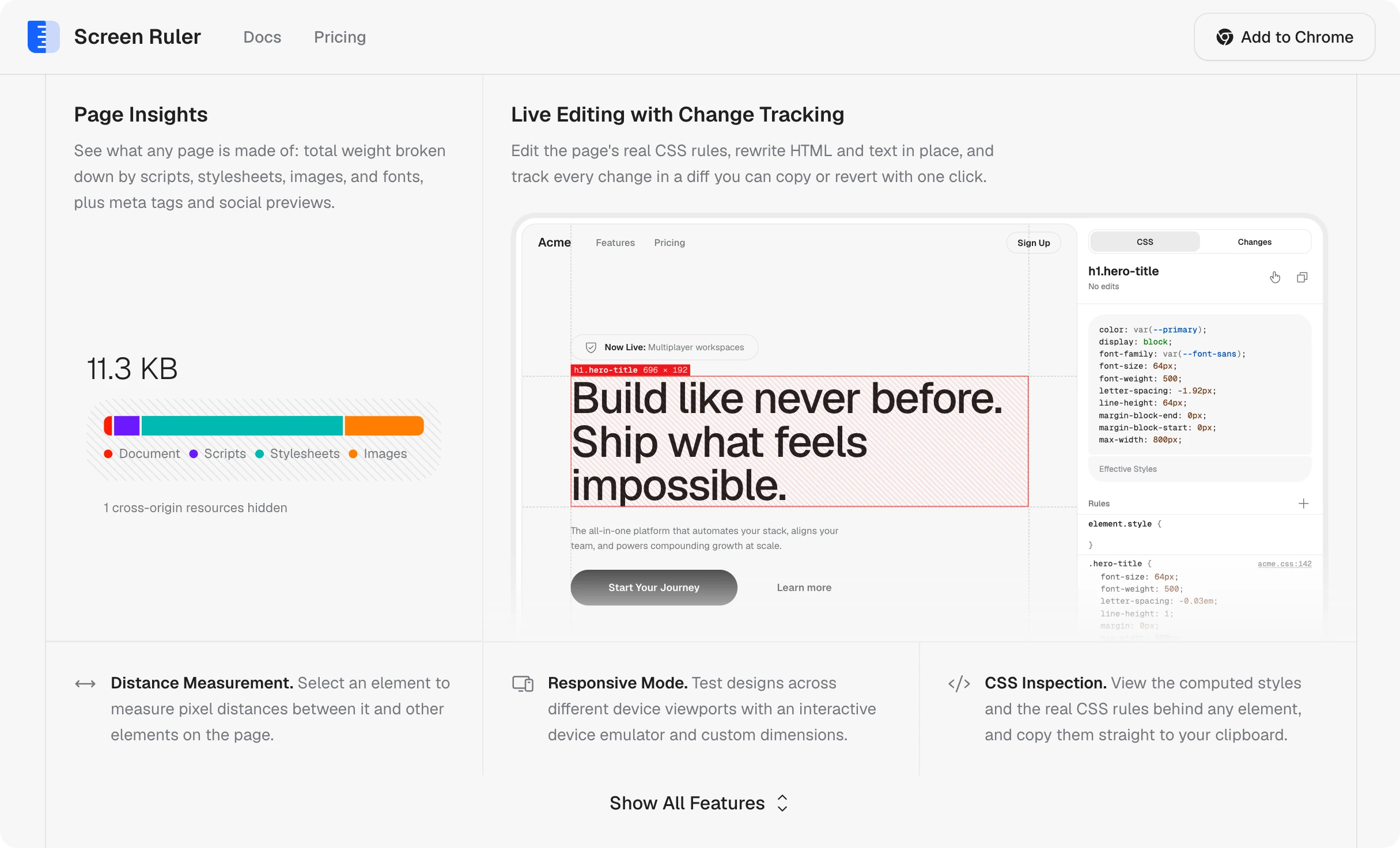
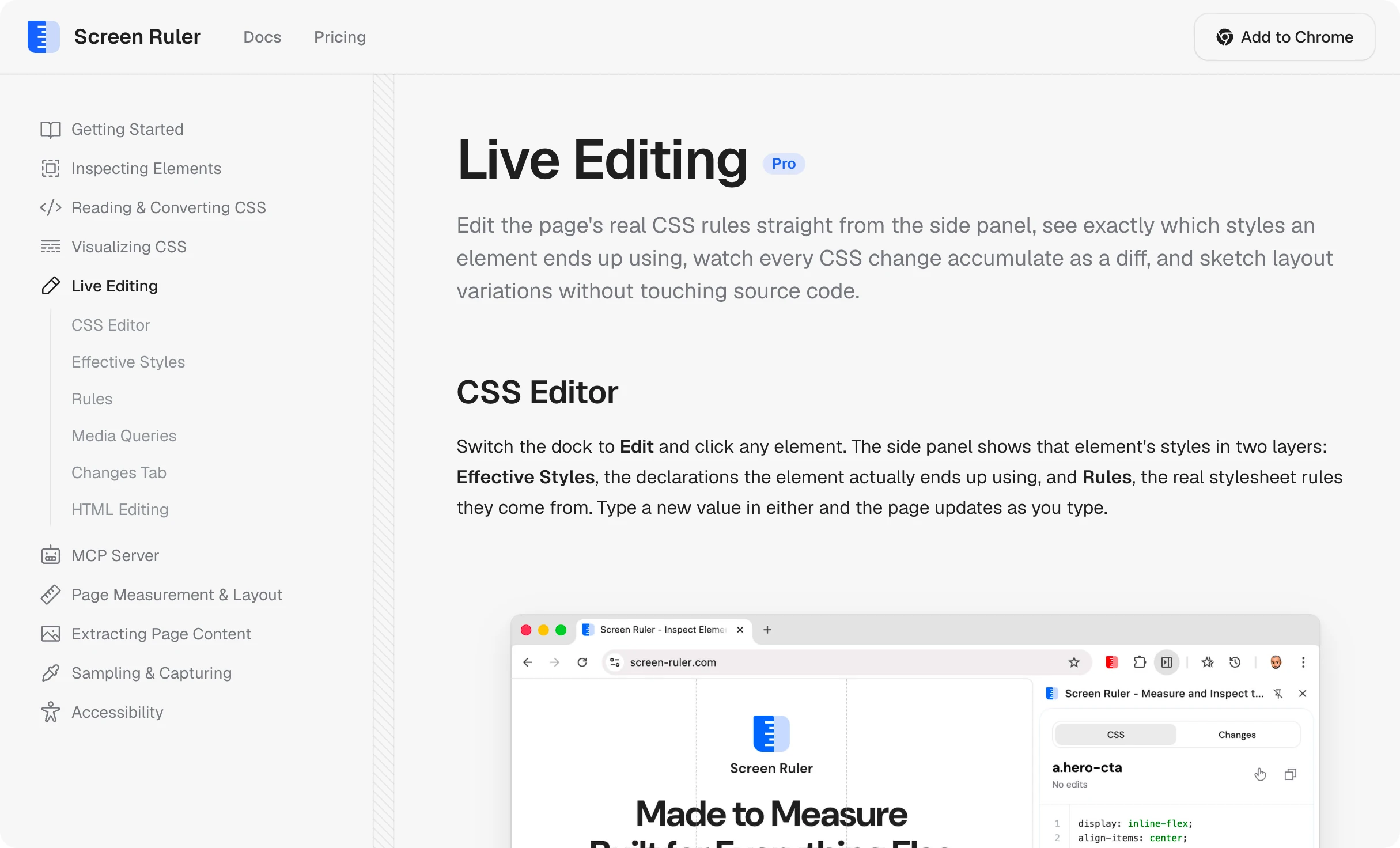
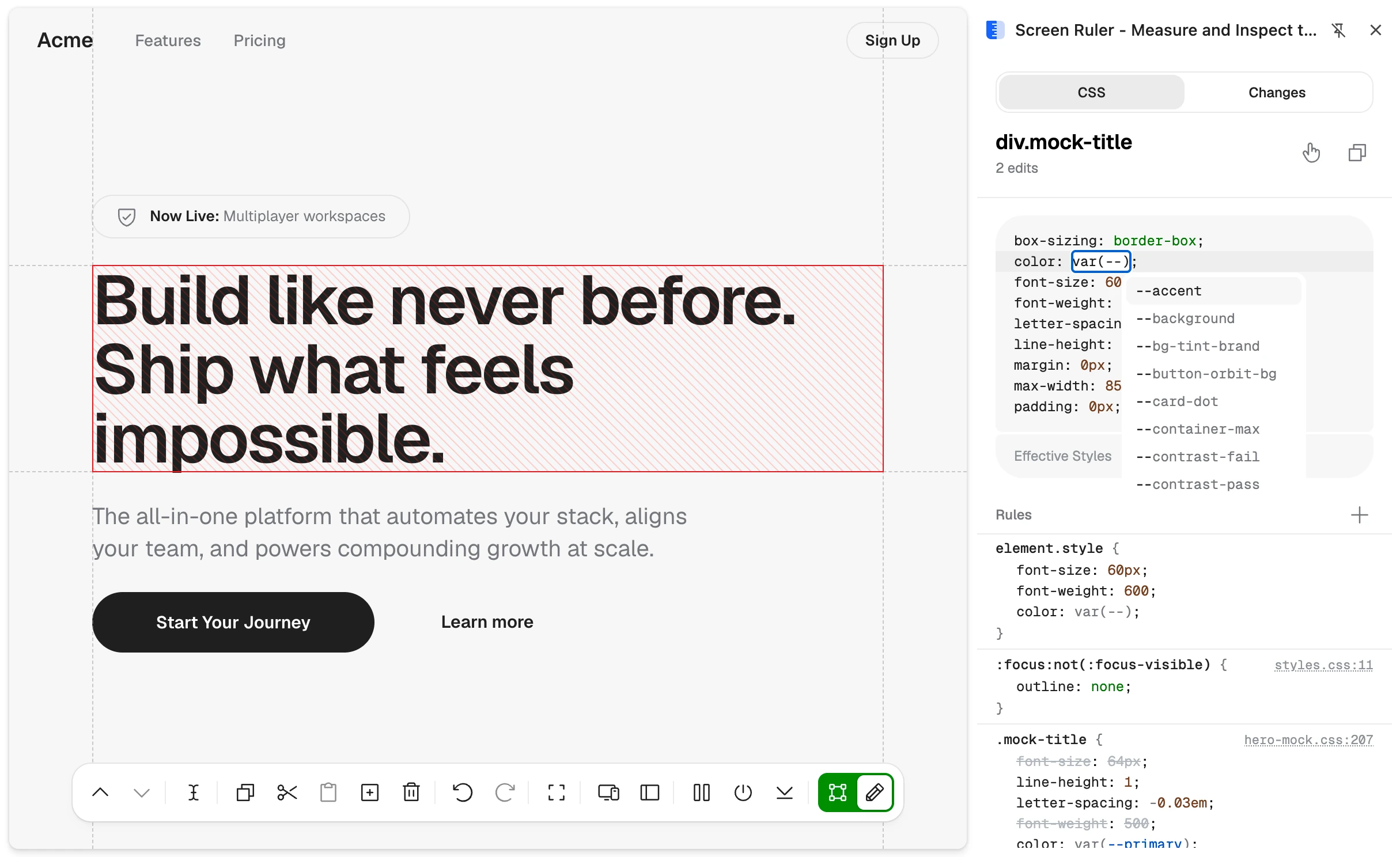
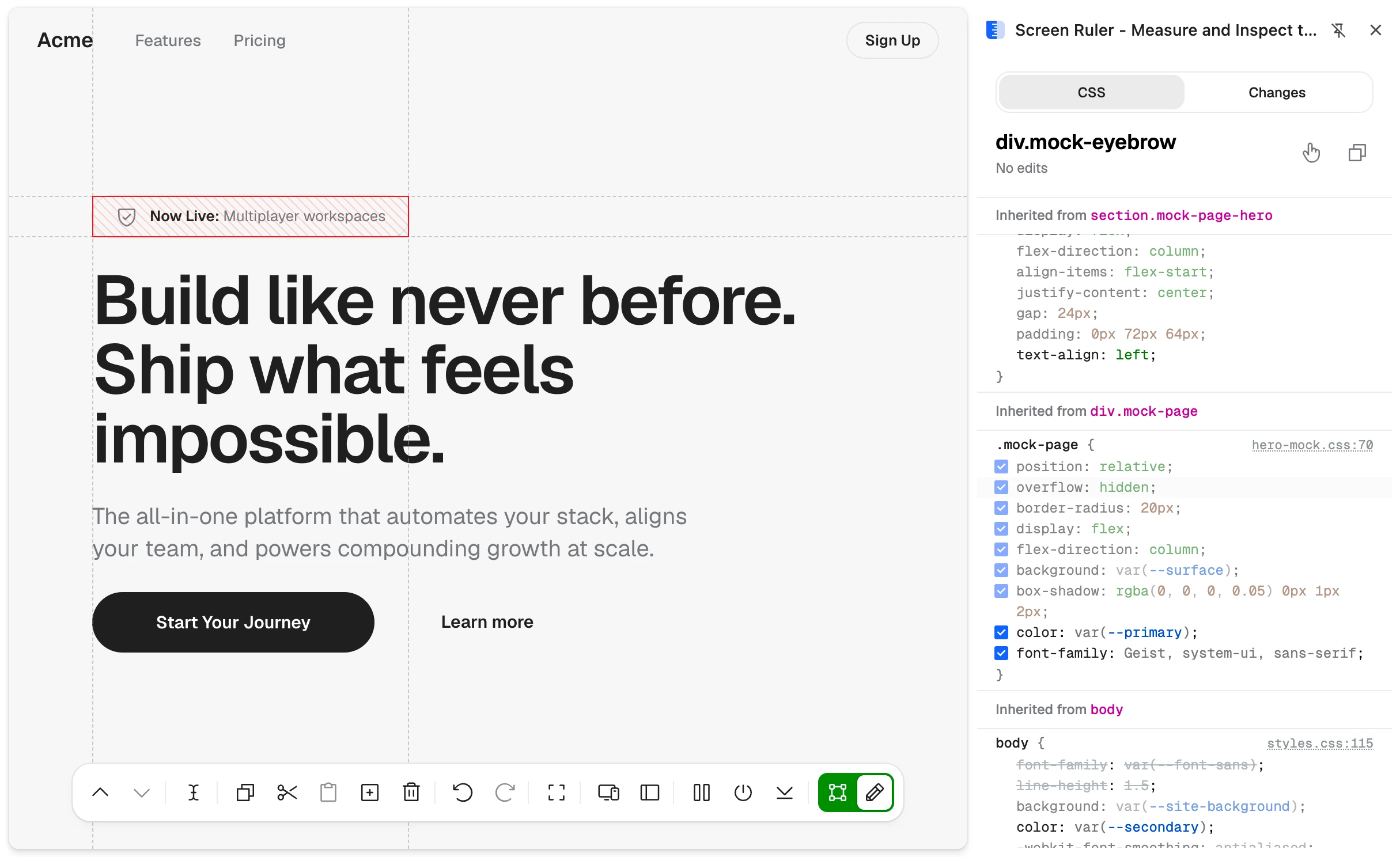
For a long time I didn't want editing in Screen Ruler. The product's identity was inspection, and I meant to keep it that way. But users kept asking, and I already had an editing-only extension called UI Inspector, so I ported its engine over. It started as an atomic CSS engine, then grew into full devtools parity while keeping an element's effective styles easy to edit. I'm glad the identity grew in the end. Editing sits right next to inspection and closes the loop on what the tool can do. Some teams tell me they've replaced devtools with Screen Ruler entirely.
The site runs the real UI
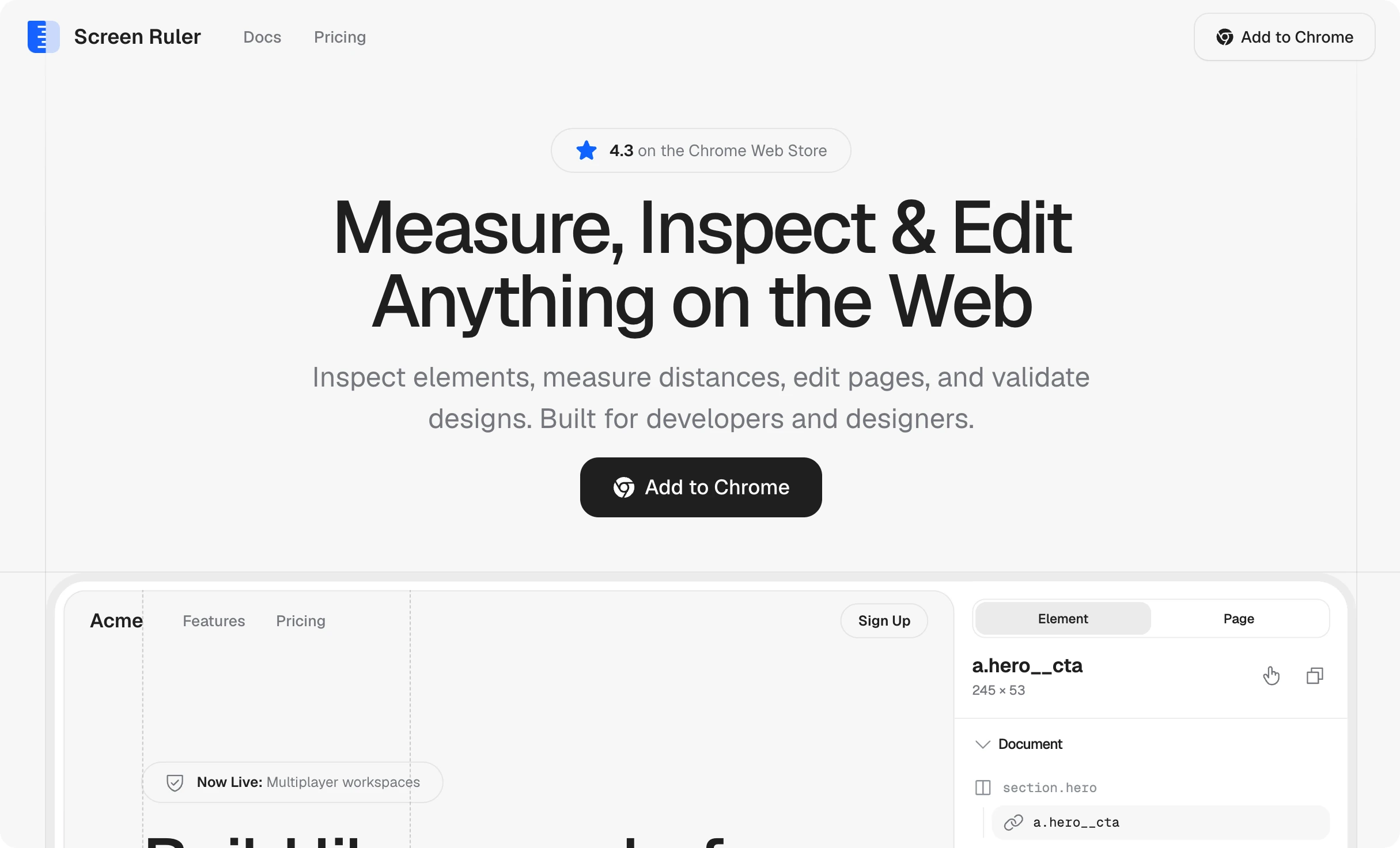
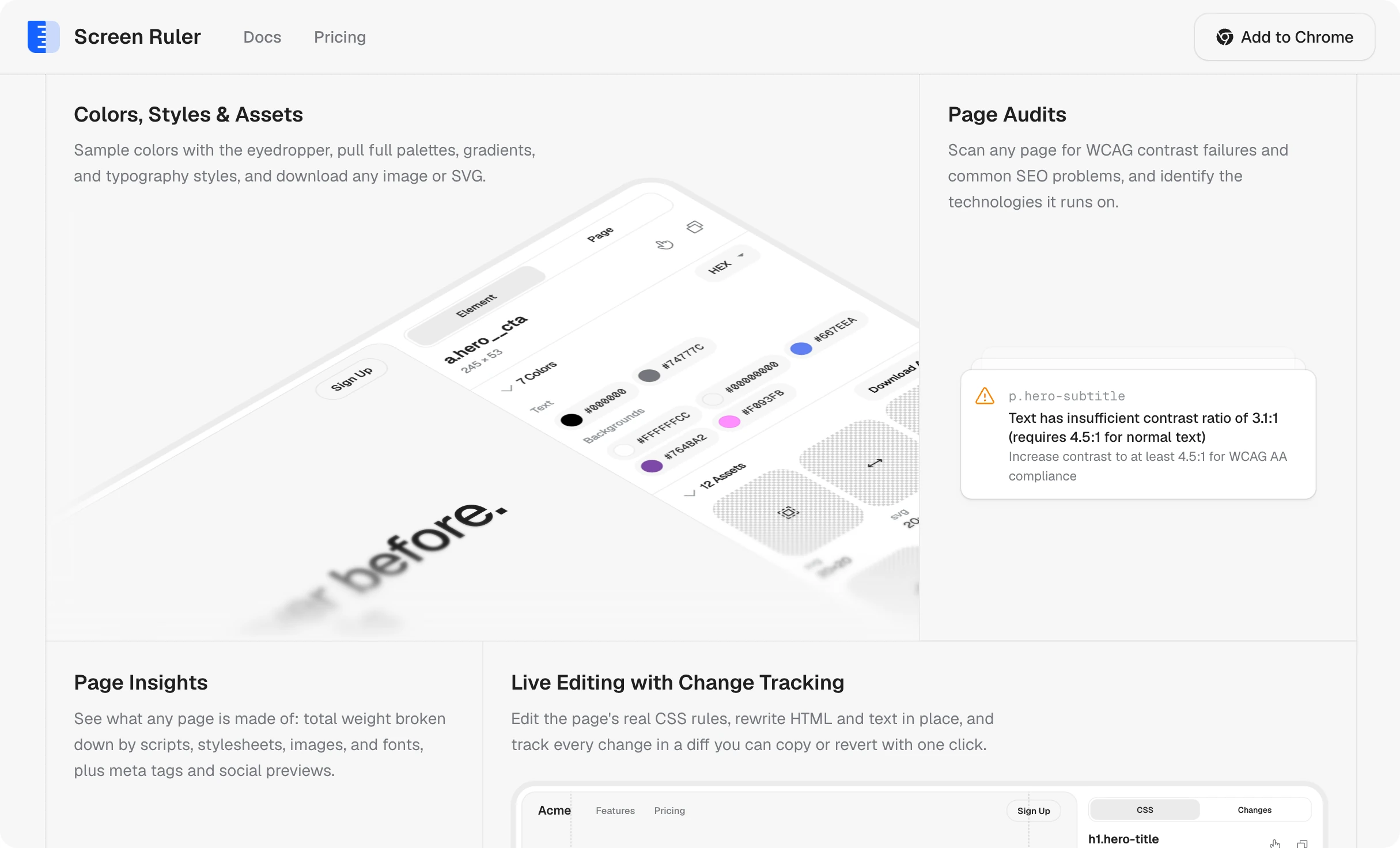
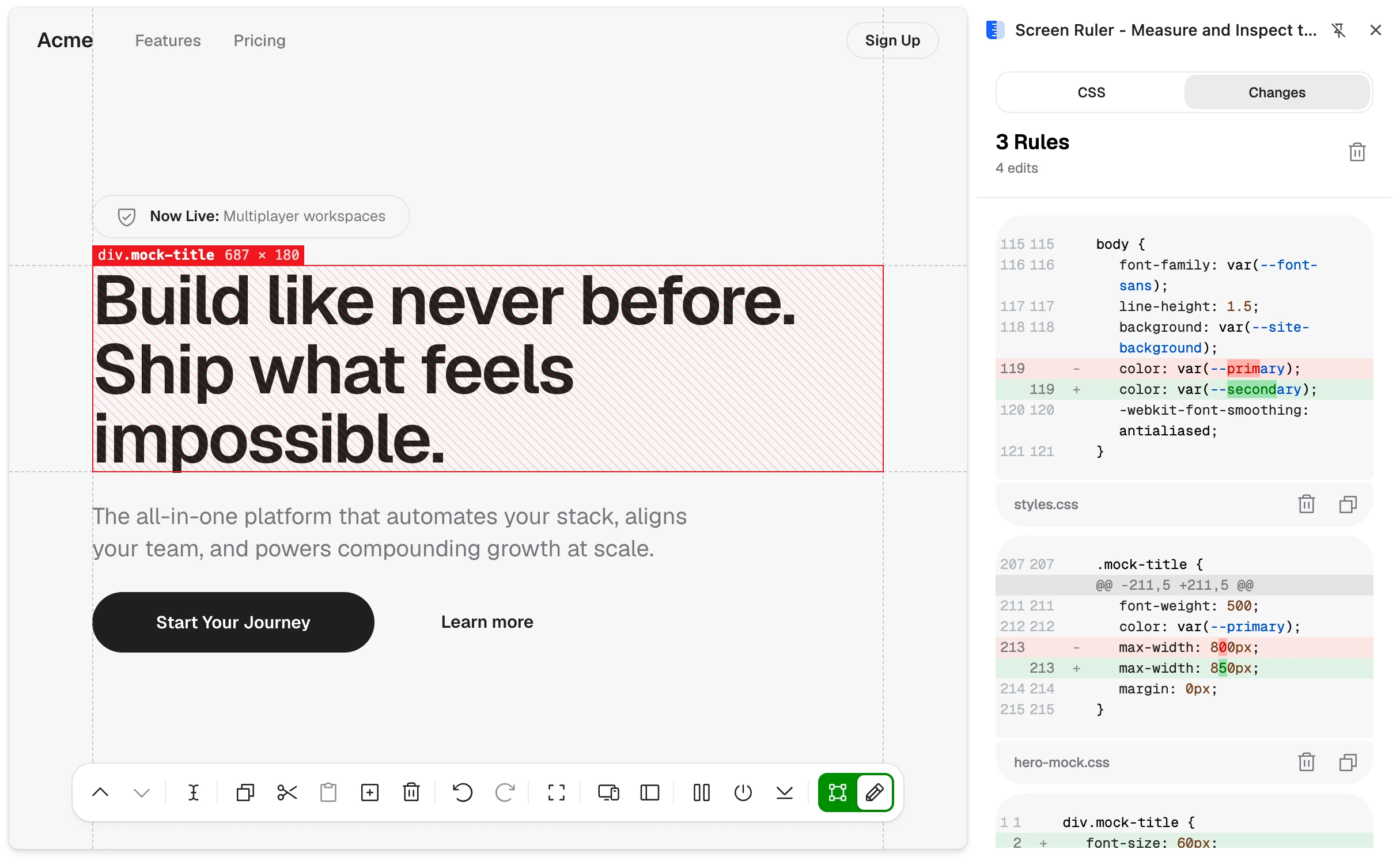
The landing page at screen-ruler.com is part of the product too, and it doesn't use screenshots. A build script extracts the extension's actual CSS, scopes it, and embeds the real panels straight into the page. Product sites lie the moment their screenshots age. This one can't, because what you see on the site is the same UI the extension ships, kept in sync by the build rather than by me remembering.